Listing photo studio for agents
Every listing photo, show-ready.
Stage empty rooms, declutter lived-in ones and turn daytime exteriors into glowing twilight shots — each in under a minute. Review and approve every photo before it goes to MLS.
Three tools, one studio
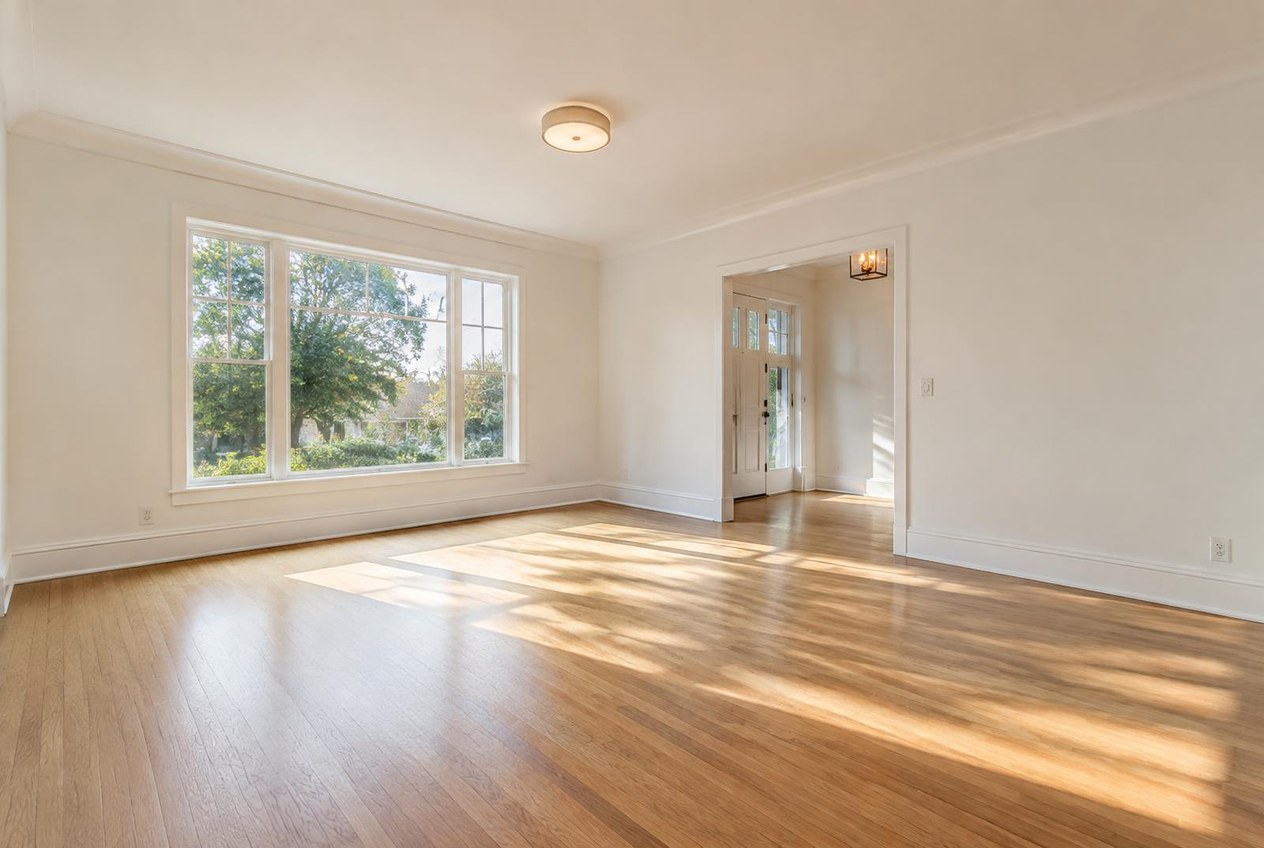
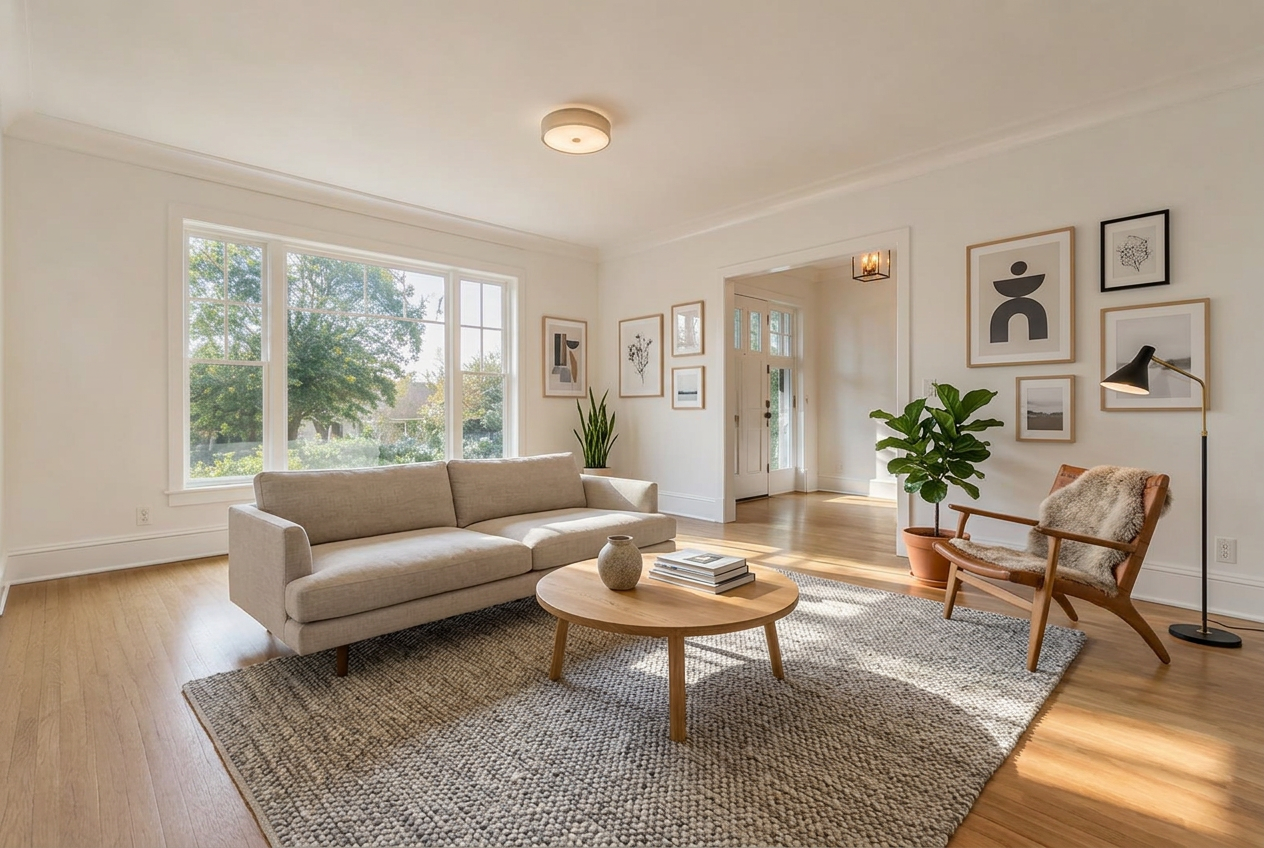
Virtual staging
Vacant home? Furnish empty rooms in one of four styles, or several at once.
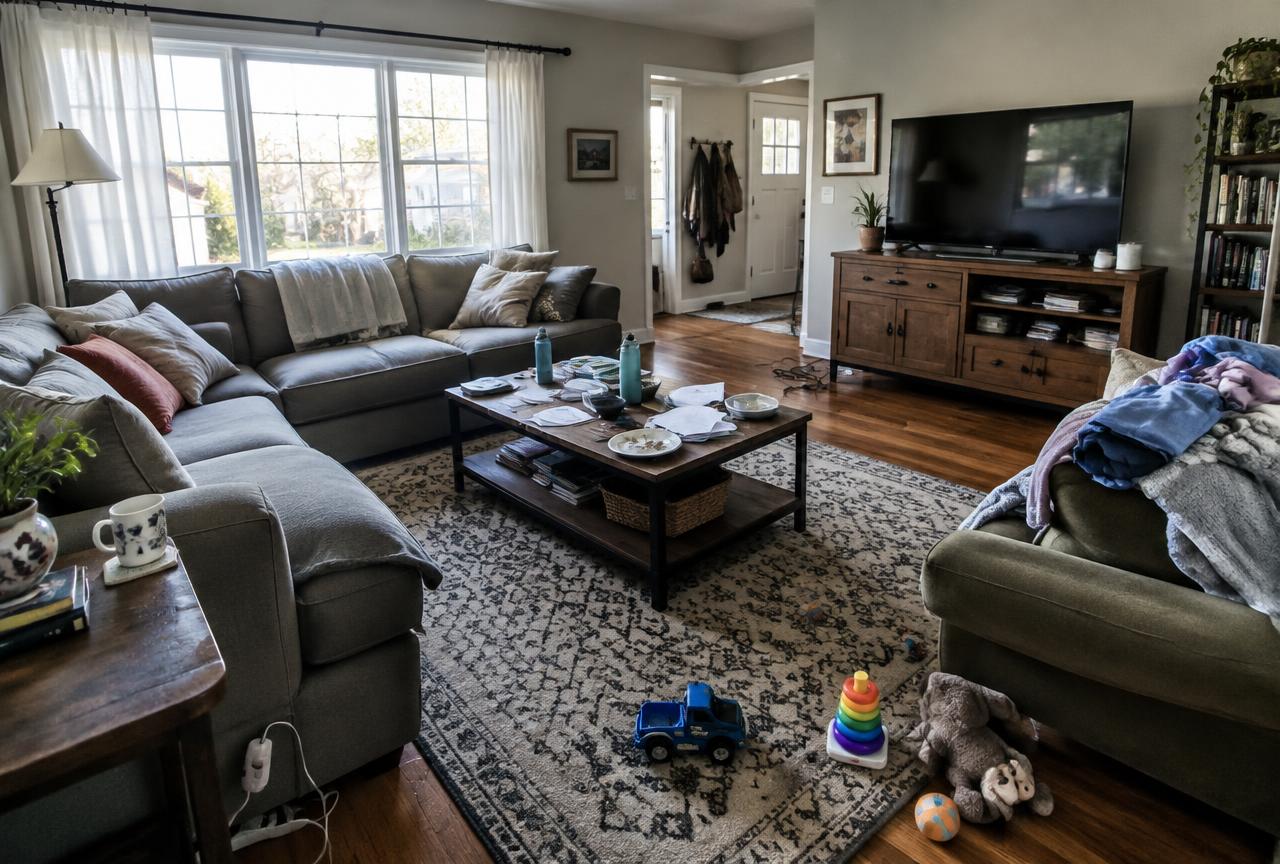
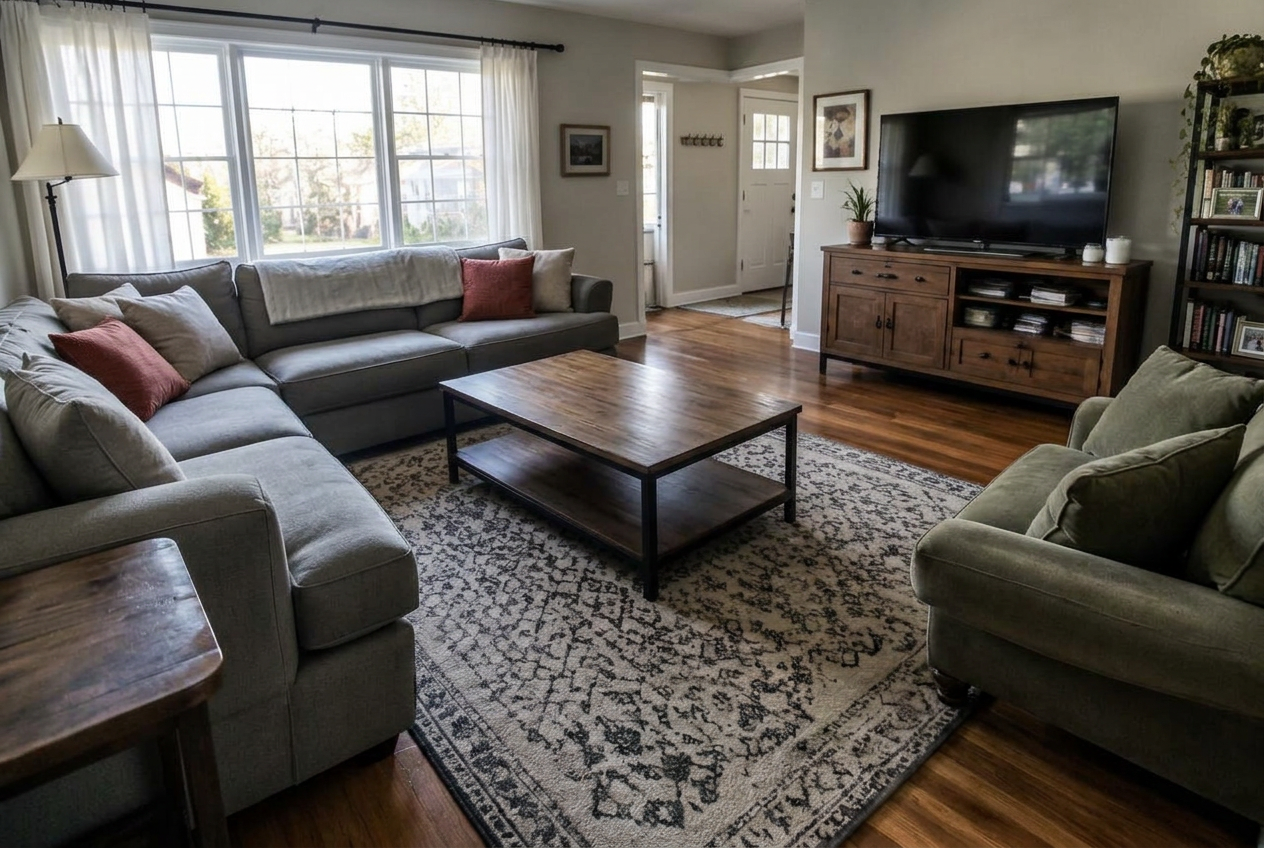
Declutter & tidy
Occupied home? Keep the furniture and clear away clutter and personal items.
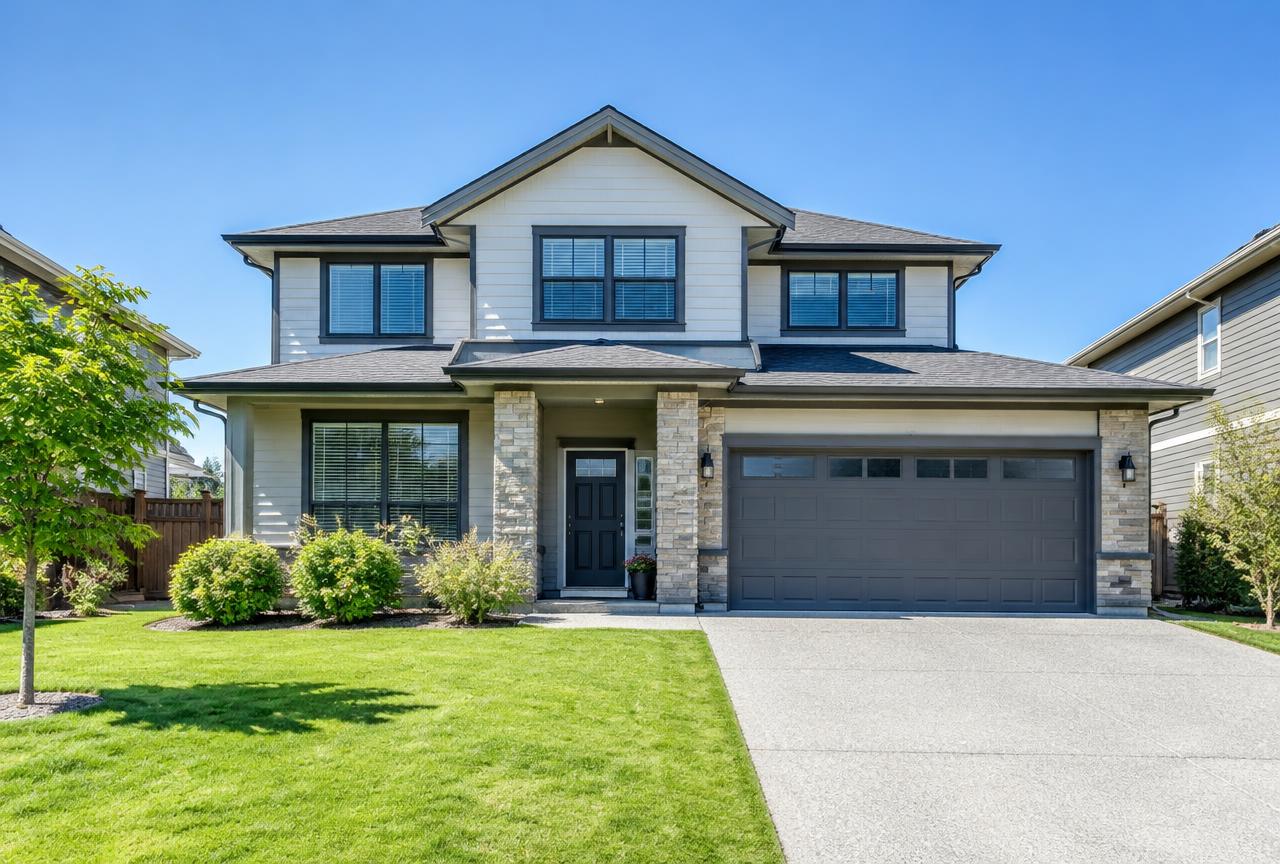
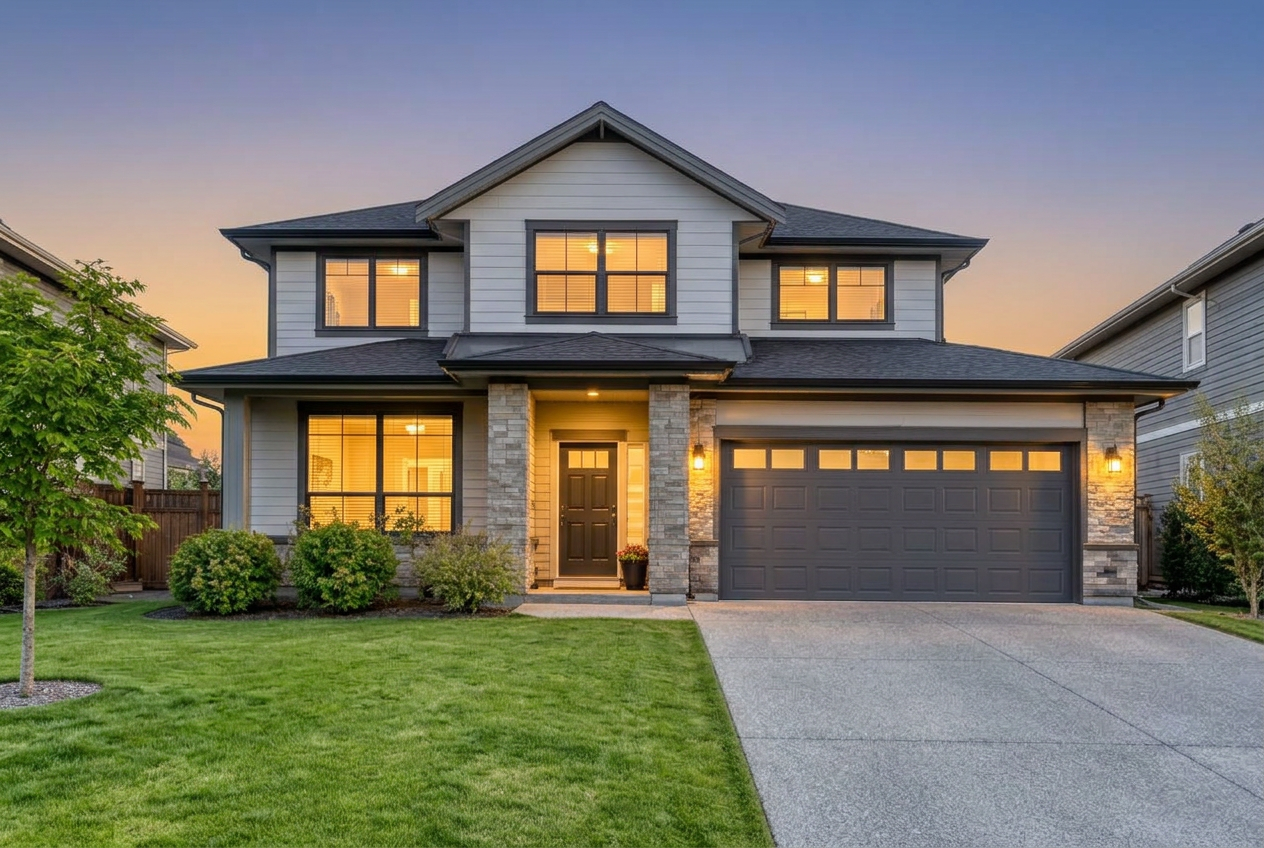
Day-to-dusk
Turn a daytime exterior into a twilight hero shot with glowing windows.
How it works
1. Upload
Drop in room or exterior photos straight from your shoot — one at a time or a whole listing.
2. Stage, tidy or twilight
Pick what the photo needs. Walls, windows and the home itself stay untouched.
3. Approve for MLS
Review every result, approve the keepers and download them for your listing.
MLS compliant by default
Every edited photo is clearly disclosed
Most MLS boards and fair-advertising rules require digitally altered photos to be labelled. We automatically stamp a "Digitally altered / Virtually staged" notice in the corner of every edited image, so you never forget the disclosure.